GPS Speedometer Not Working? Fix It
If a GPS speedometer will not start, stays at zero, or stops updating, work through these checks in order. Most problems come from site permission, device location settings, weak satellite signal, battery restrictions, or an unsupported browser.
Identify the failure state before changing settings
No permission prompt, endless searching, a correct zero while stationary, zero during real movement, a frozen last value, repeated spikes and stopping after screen lock are different symptoms. Write down the visible state and when it began. That first observation prevents a location-permission problem from being treated like weak reception, or a normal stationary reading from being treated like a defect.
Check the permission chain in order
Device Location Services must be on, the browser must have location access, and this site must be allowed precise location when the platform offers that choice. Reload after changing a permission and press Start deliberately. Repeatedly pressing Start will not recreate a prompt when a previous denial is stored. Change one layer at a time so you know which decision restored the session.
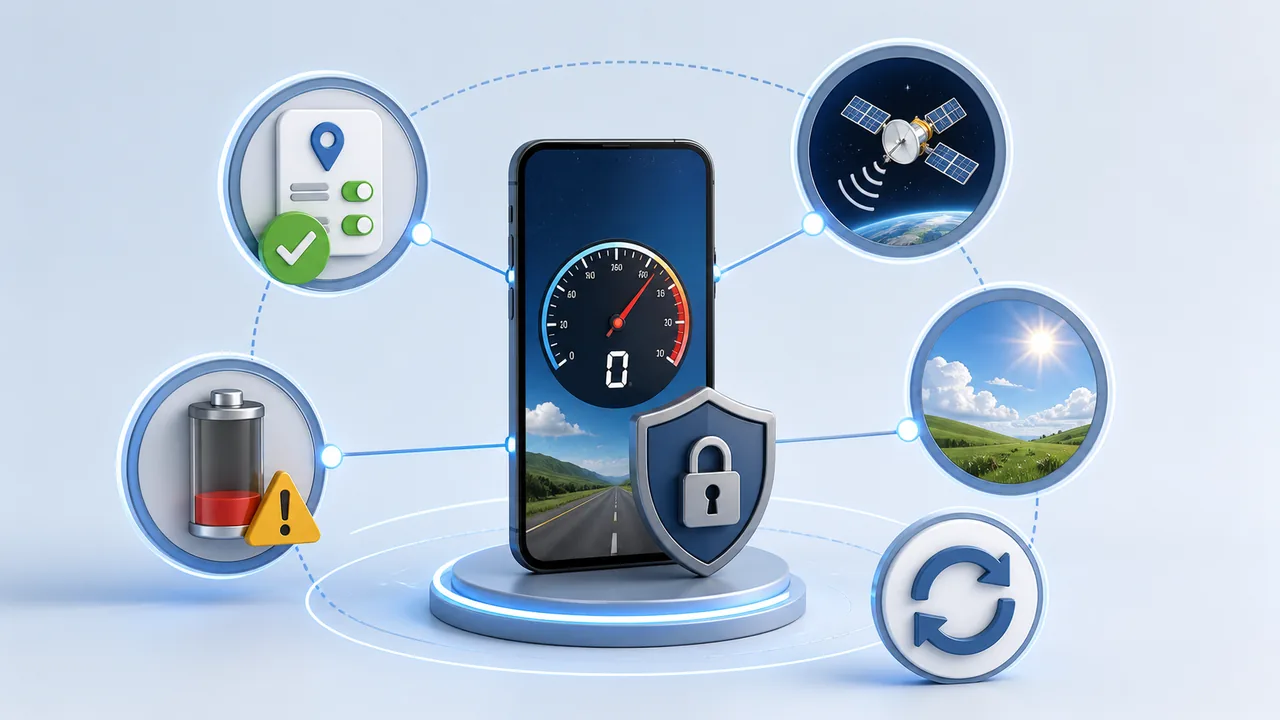
Match common browser errors to the next action
Permission denied calls for the site or browser permission, not a longer wait outdoors. Position unavailable calls for device location, precise access and signal conditions. A timeout means no usable update arrived within the allowed period; keep the page visible and try again under open sky. The wording varies by browser, so use the state and behavior rather than relying on an exact sentence.
Separate satellite reception from a paused web session
Tunnels, covered parking, interiors and tall buildings can block or reflect signals, leaving no new position or a frozen value. Screen locking, tab switching and aggressive battery saving can pause browser work even while the phone’s location setting remains enabled. Test outdoors with the screen awake and the page in front before clearing data or assuming the receiver is broken.
Run two isolation checks
First try another trusted location service outdoors. If it also fails, focus on the device, permission or environment. If it works, try a current second browser on the same site; success there points back to the first browser’s site permission or stored state. Reset only the relevant site decision first. Clearing all browser data or reinstalling software is a last resort because it destroys useful evidence and unrelated settings.
Escalate with reproducible evidence
If the fault persists, record the URL, phone model, OS version, browser version, visible status, whether the screen was locked, test environment and whether another location service worked. Use the Android or iPhone guide only for platform-specific menu paths. Do not send passwords or a complete precise route. A short controlled reproduction is more useful than a long description without state information.
| Condition or factor | What it means |
|---|---|
| No prompt | Site permission previously blocked |
| Searching indefinitely | Device location or satellite fix unavailable |
| Stops after lock | Background or battery restriction |
| Works in another browser | Browser-specific permission or state |
Technical references: MDN Geolocation API; MDN Permissions API.
Test the fixes
Common questions
Short answers for this guide.
Why does the speedometer say location permission was denied?
The browser has blocked location for the site. Change the site permission to Allow, reload, and press Start again.
Why does GPS stay at zero while I am moving?
The device may not have a fresh GPS fix, the signal may be blocked, or updates may be restricted by battery saving.
Why does it work outdoors but not indoors?
Satellite signals are much easier to receive with a clear view of the sky. Walls, roofs, and coated windows can weaken them.
Does a GPS speedometer need internet?
The speed reading comes from device location, but loading the page, permission behavior, and some browser services can still depend on connectivity.
Can zigmaty repair my phone GPS?
No. zigmaty can display the location data supplied by the browser, but it cannot repair hardware or create a missing satellite signal.
What should I do first if no speed appears?
Check browser location permission first. A GPS speedometer cannot read movement speed until the browser is allowed to use location.
Why does the page have permission but still show no speed?
The device may have a weak GPS fix, low accuracy, battery restrictions, or no recent movement update from the browser.
Should I use the Android or iPhone guide?
Use the Android guide for Chrome, precise location, and battery restriction checks. Use the iPhone guide for Safari, iOS Location Services, and Precise Location settings.